 OpenStreetMap

Deriving River Network using QGIS,SRTM and OpenStreetMap
Posted by Deepthij on 21 August 2021 in English. Last updated on 5 September 2021.The article represents the method I have used to generate a stream network in a high altitude region in Kerala. The stream network of Devikulam in Munnar is the selected study area and stream and basin is generated using some tools available in QGIS. I am using SRTM DEM with a 30m resolution clipped to the study area and a set of SAGA tools available.
The steps are as follows:
- Load the DEM and reproject using the Warp/reprojection tool
The first step is to clip and reproject a DEM into a projected coordinate system.
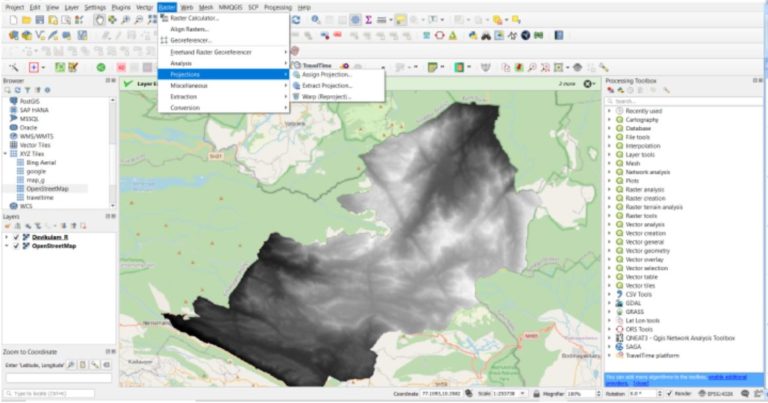 Use the option,
Raster > Project > Warp/Reproject
Use the option,
Raster > Project > Warp/Reproject
Select the required Projected coordinate system with reference to the study area.
- Fill Sinks in the reprojected DEM
This step is done to correct any unusual distortions of the DEM and to obtain a continuous hydrological network.